
Setup for Android / Google tv
TiviMate IPTV Player
Step 1: Open google play store and search tivimate then install the application TiviMate
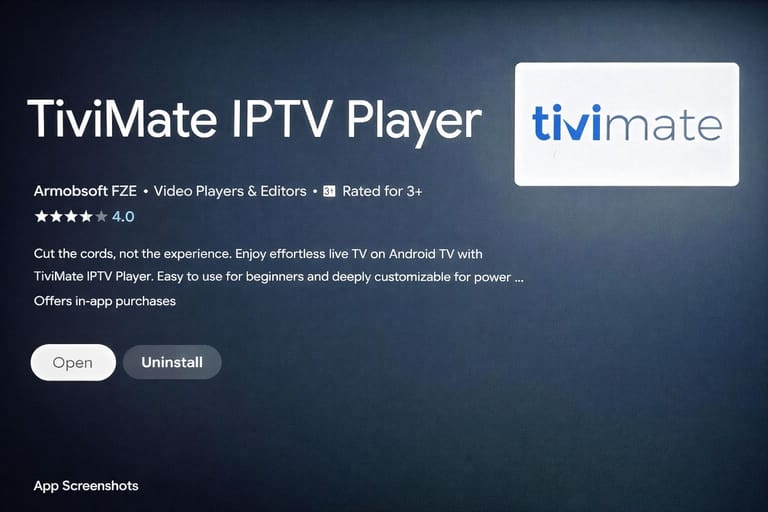
Step 2: Open the application and tap on settings
Step 3: Tap on allow tivimate
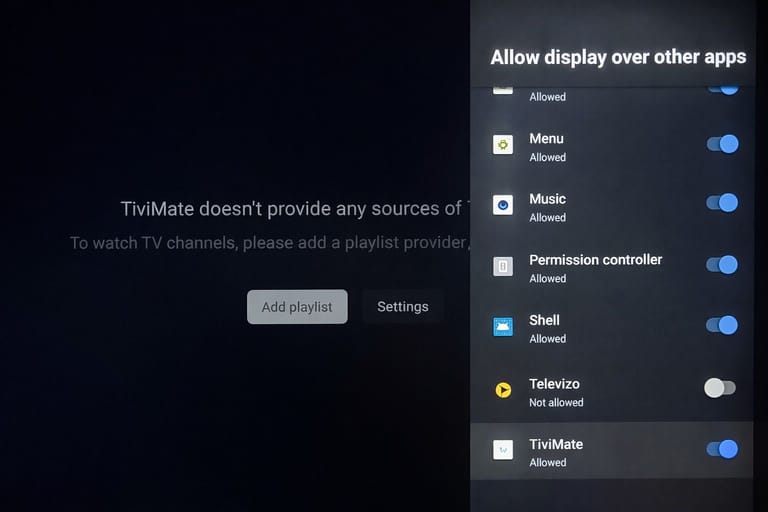
Step 4: Tap on Add playlist
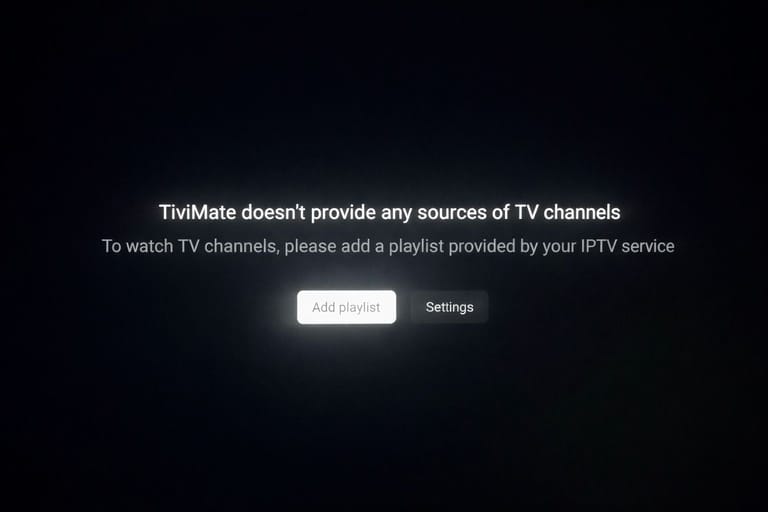
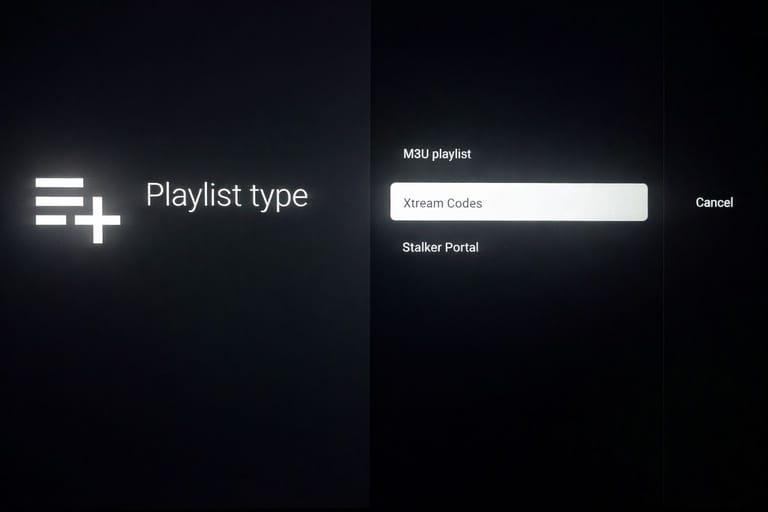
Step 5: Tap on Xtream codes
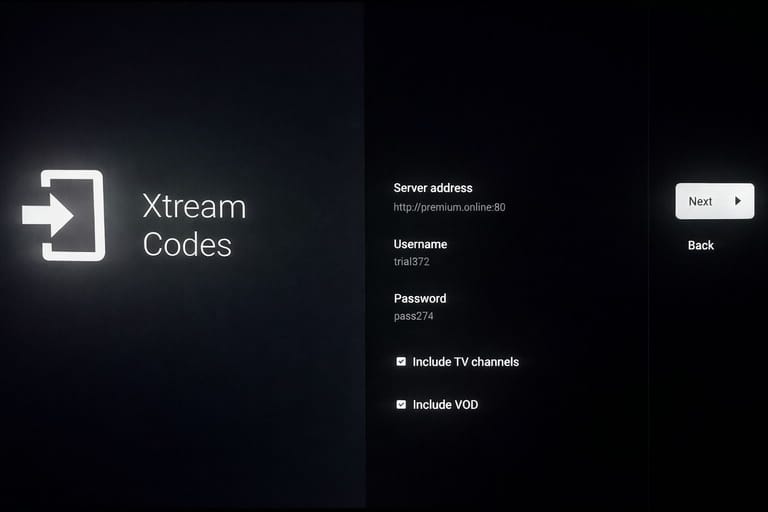
Step 6: fill the credentials provided by team on WhatsApp then tap on add playlist if you don’t have credentials please contact us on WhatsApp
Step 7: Tap on done
Now you have the access to full subscription for 24 Hours the purpose of this trial is to show you the content and the quality we have if you have any doubts about any features or unable to find anything please connect on WhatsApp because we have everything its just you’re not able to find anything that particular Movie, Series, live channel, OTT platform